


N5 Net Software Repository
Your one-stop for all your software needs.
Search N5 Net Software Repository:
Search Files
Sponsor:
Browse:
- Audio & Multimedia (1621)
- Business (4269)
- Communications (1275)
- Desktop (188)
- Development (613)
- Education (177)
- Games & Entertainment (714)
- Graphic Apps (690)
- Home & Hobby (107)
- Network & Internet (577)
- Security & Privacy (529)
- Servers (65)
- System Utilities (11779)
- Web Development (292)
Areas Of Interest
Authors Area
Are you a software author? Take a look at our Author Resource Center where you will find marketing tools, software specifically created for promoting your software and a ton of other helpful resources.
Downloading Quick Startup 5.3.1.96
Your download will begin in a few seconds. If it does not start you can download directly through one of the mirror sites below.
- Mirror Site 1: http://download.glarysoft.com/qssetup.exe
Get Details for Quick Startup 5.3.1.96
Similar Products:
WINTOOLS.NET PROFESSIONAL 25.12.1
System Utilities :: Registry Tools
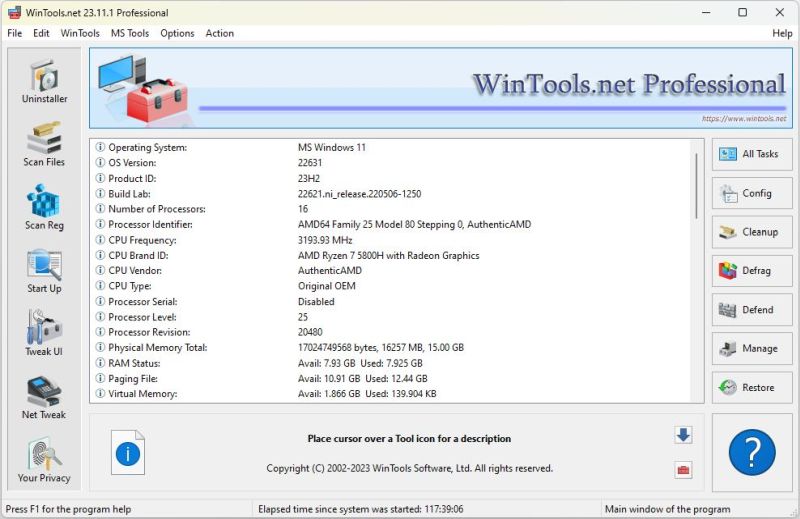 A suite of tools for increasing the operating system performance. WinTools.net cleanly removes unwanted software from disk drives and dead references from the Windows registry. WinTools.net puts you in control of the Windows start up process, memory monitoring and gives you the power to customize desktop and system settings to fit your needs. Adds more speed and stability for your connection.
Windows | Shareware
Read More
System Utilities :: System Maintenance
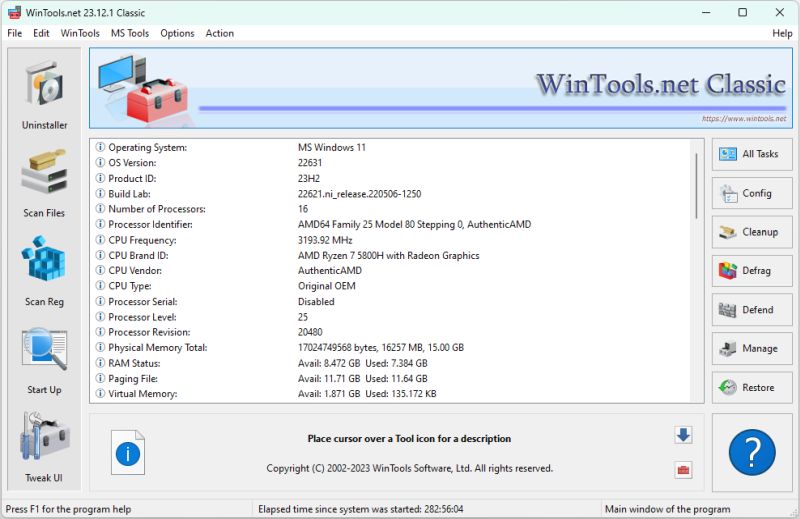 WinTools.net is a suite of tools for increasing operating system performance. WinTools.net cleanly removes unwanted software from disk drives and dead references from the Windows registry. WinTools.net puts you in control of the Windows start up process, memory monitoring and gives you the power to customize desktop and system settings to fit your needs.
Windows | Shareware
Read More
::
 Auto Startup Detective is a tool which helps you to manage efficiently what programs run at Windows startup. Unlike other similar programs, it also detects trojan horse viruses. You can also make profiles to backup, test, or configure it for multiple users. With its simple interface, you can accelerate your computer performance without knowing much about the registry or the system files.
Windows | Shareware
Read More
WINTOOLS.NET PROFESSIONAL 16.3.0
System Utilities :: Registry Tools
A suite of tools for increasing the operating system performance. WinTools.net cleanly removes unwanted software from disk drives and dead references from the Windows registry. WinTools.net puts you in control of the Windows start up process, memory monitoring and gives you the power to customize desktop and system settings to fit your needs. Adds more speed and stability for your connection.
Windows | Shareware
Read More
System Utilities :: Launchers & Task Managers
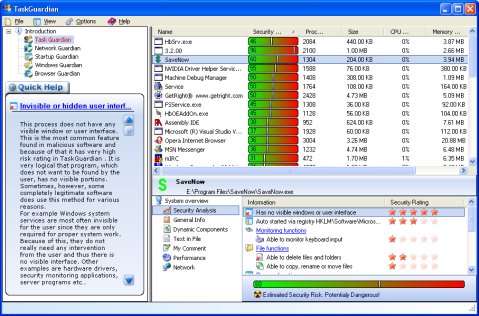 TaskGuardian is the arsenal of security tools designed to give you complete overview of what software is running on your system, in a comprehensible and easily understandable way. TaskGuardian includes advanced real-time process viewer with security analyzer, network connections viewer, startup and services manager, Windows folder scanner and browser plugin manager.
Windows | Shareware
Read More
System Utilities :: Shell Tools
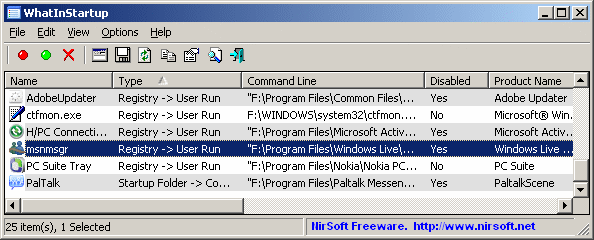 This utility displays the list of all applications that are loaded automatically when Windows starts up. For each application, the following information is displayed: Startup Type (Registry/Startup Folder), Command-Line String, Product Name, File Version, Company Name, Location in the Registry or file system, and more.
Windows | Freeware
Read More
System Utilities :: System Maintenance
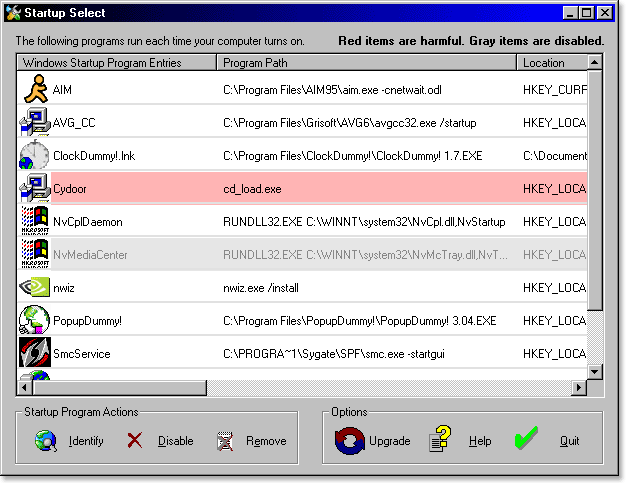 Startup Select startup manager allows you to get a faster running PC by letting you identify, enable disable, and remove programs which run automatically at Windows startup. Startup Select contains a builtin database of hundreds of programs and their descriptions. Programs considered to be spyware, adware, hijackers, or viruses are highlighted in red and easily identified for removal.
Windows | Shareware
Read More
Graphic Apps :: Editors
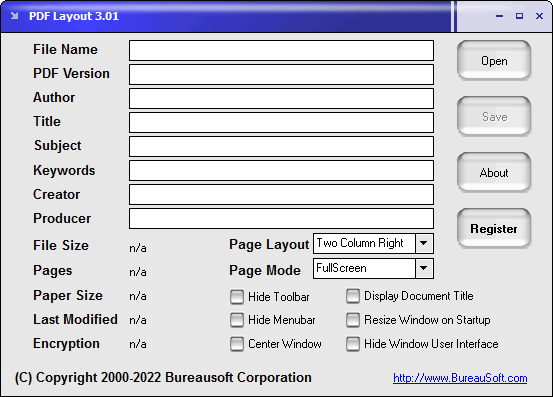 Customize the startup options for your PDF files. You may decide whether to hide toolbar and menubar, display document title, resize window on startup, show in full screen mode, center window, center window, show thumbnail, show outline, hide window user interface or not when your PDF document is opened and viewed. You can even specify the page layout as single page, one column, two column left, or two column right.
Windows | Shareware
Read More