


N5 Net Software Repository
Your one-stop for all your software needs.
Search N5 Net Software Repository:
Search Files
Sponsor:
Browse:
- Audio & Multimedia (1615)
- Business (4233)
- Communications (1267)
- Desktop (186)
- Development (607)
- Education (176)
- Games & Entertainment (710)
- Graphic Apps (685)
- Home & Hobby (106)
- Network & Internet (575)
- Security & Privacy (527)
- Servers (64)
- System Utilities (11758)
- Web Development (287)
Areas Of Interest
Authors Area
Are you a software author? Take a look at our Author Resource Center where you will find marketing tools, software specifically created for promoting your software and a ton of other helpful resources.
Downloading TableTextCompare 1.20
Your download will begin in a few seconds. If it does not start you can download directly through one of the mirror sites below.
- Mirror Site 1: http://www.nirsoft.net/utils/tabletextcompare.zip
Get Details for TableTextCompare 1.20
Similar Products:
System Utilities :: Other
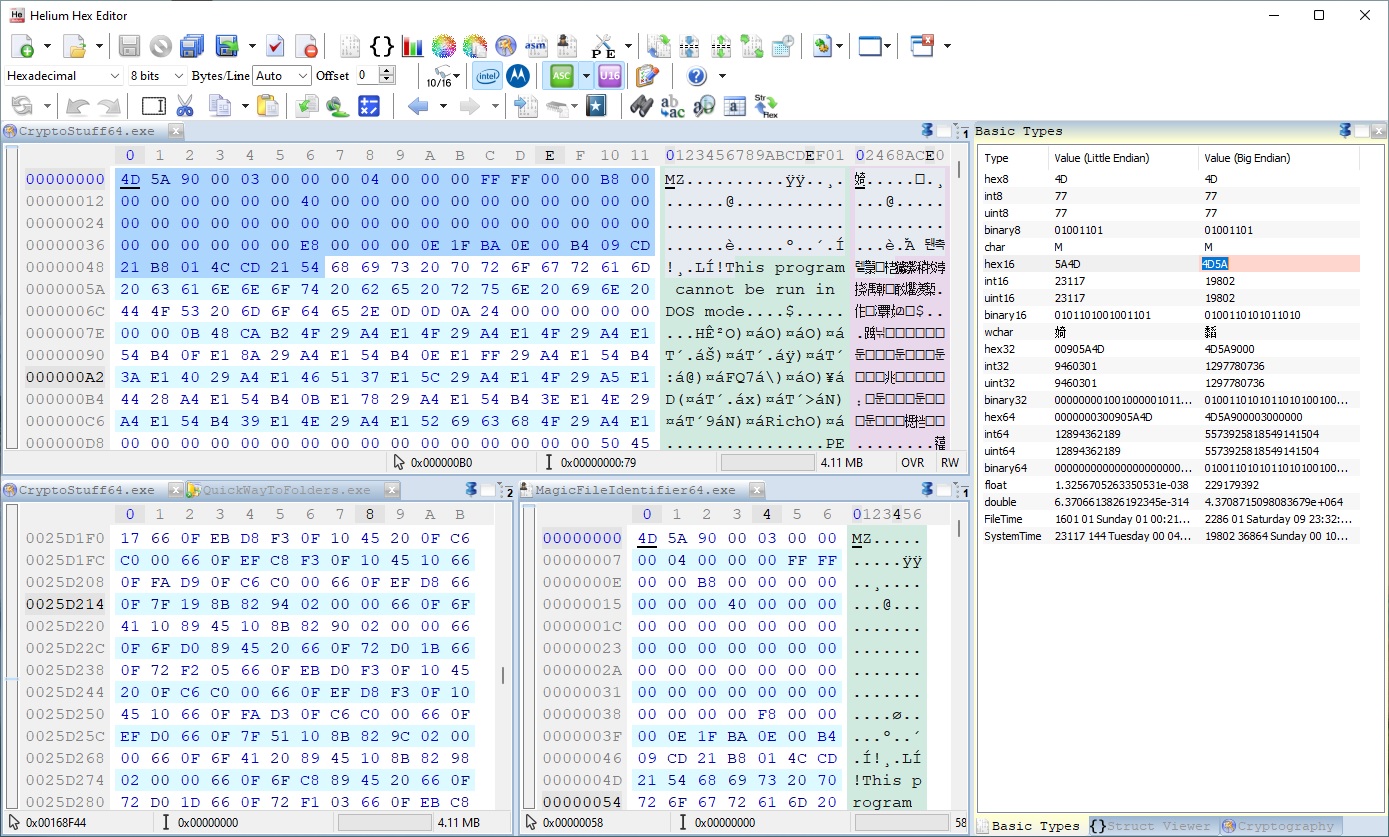 Helium Hex Editor is an advanced lightweight portable hexadecimal editor. It allows to edit:Files,Processes memory,Kernel memory (virtual and physical),Disks and partitions,S-Records and Intel Hex. It contains the following features: bookmarks, structures parser, cryptography, disassembly, binary compare, join, split, multiple data operations, search and replace, string search, bytes distribution, entropy, Portable Executable PE, PE Viewer
Windows | Shareware
Read More
System Utilities :: Text/Document Editors
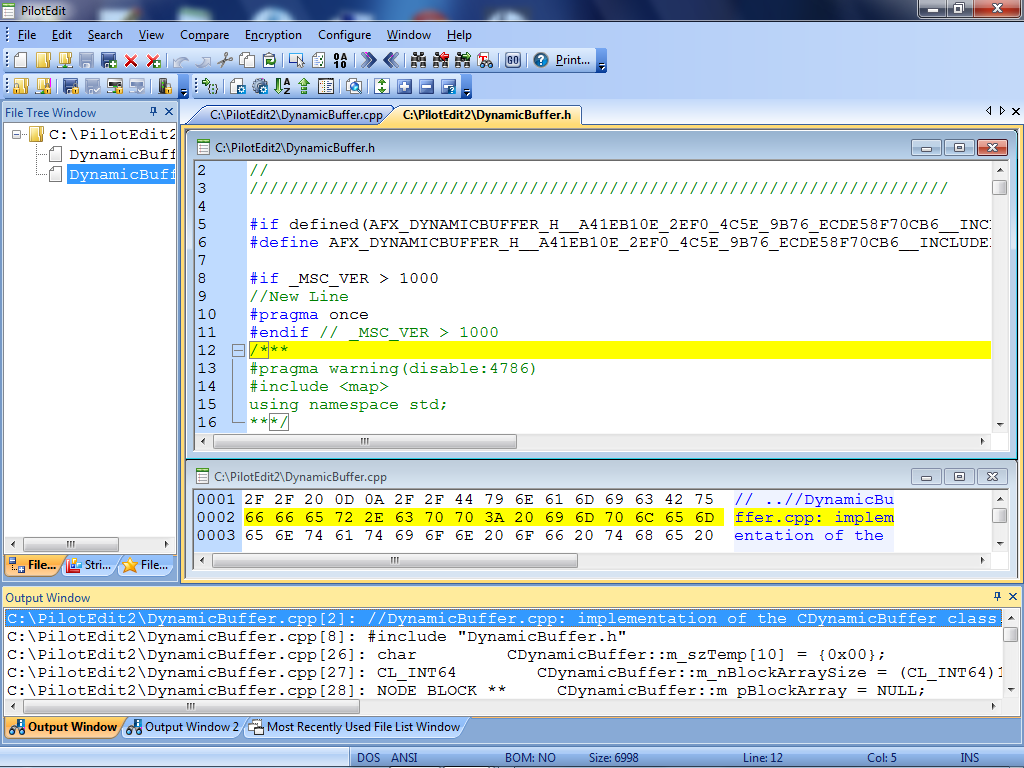 PilotEdit is a powerful file editor capable of editing huge files larger than 400GB (40 billion lines).
Windows | Shareware
Read More
ALTOVA DIFFDOG PROFESSIONAL EDITION V2026
Web Development :: XML/CSS Tools
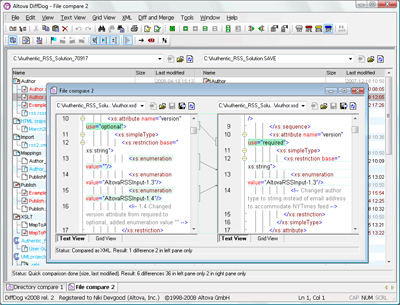 Altova DiffDog Professional Edition is the powerful diff / merge tool for files and folders. This easy-to-use synchronization utility quickly compares and merges text or source code files and diverse directories via its intuitive visual interface. It also provides advanced XML-aware differencing and editing capabilities based on those popularized in Altova XMLSpy. DiffDog is available in 32-bit and 64-bit versions.
Windows | Demo
Read More
ALTOVA DIFFDOG ENTERPRISE EDITION V2026
Web Development :: XML/CSS Tools
Altova DiffDog Enterprise Edition is the powerful diff tool for files, folders, and databases. This easy-to-use synchronization tool quickly compares and merges text or source code files, directories, CSV, databases, and XML Schemas via its intuitive visual interface. It also provides advanced XML-aware differencing and editing capabilities based on those in Altova XMLSpy. DiffDog is available in 32-bit and 64-bit versions.
Windows | Demo
Read More
System Utilities :: Other
 SysTracer Pro is a system utility tool that can analyze your computer for modified files, folders, registry entries, processes, loaded dlls, startup applications, services and drivers. Each SysTracer Pro scan generates an overview image of your system (snapshot). You can take an unlimited number of snapshots and compare them for differences. Reports can be saved in PDF and HTML format.
Windows | Shareware
Read More
ARAXIS MERGE FOR WINDOWS 2025.1
System Utilities :: File & Disk Management
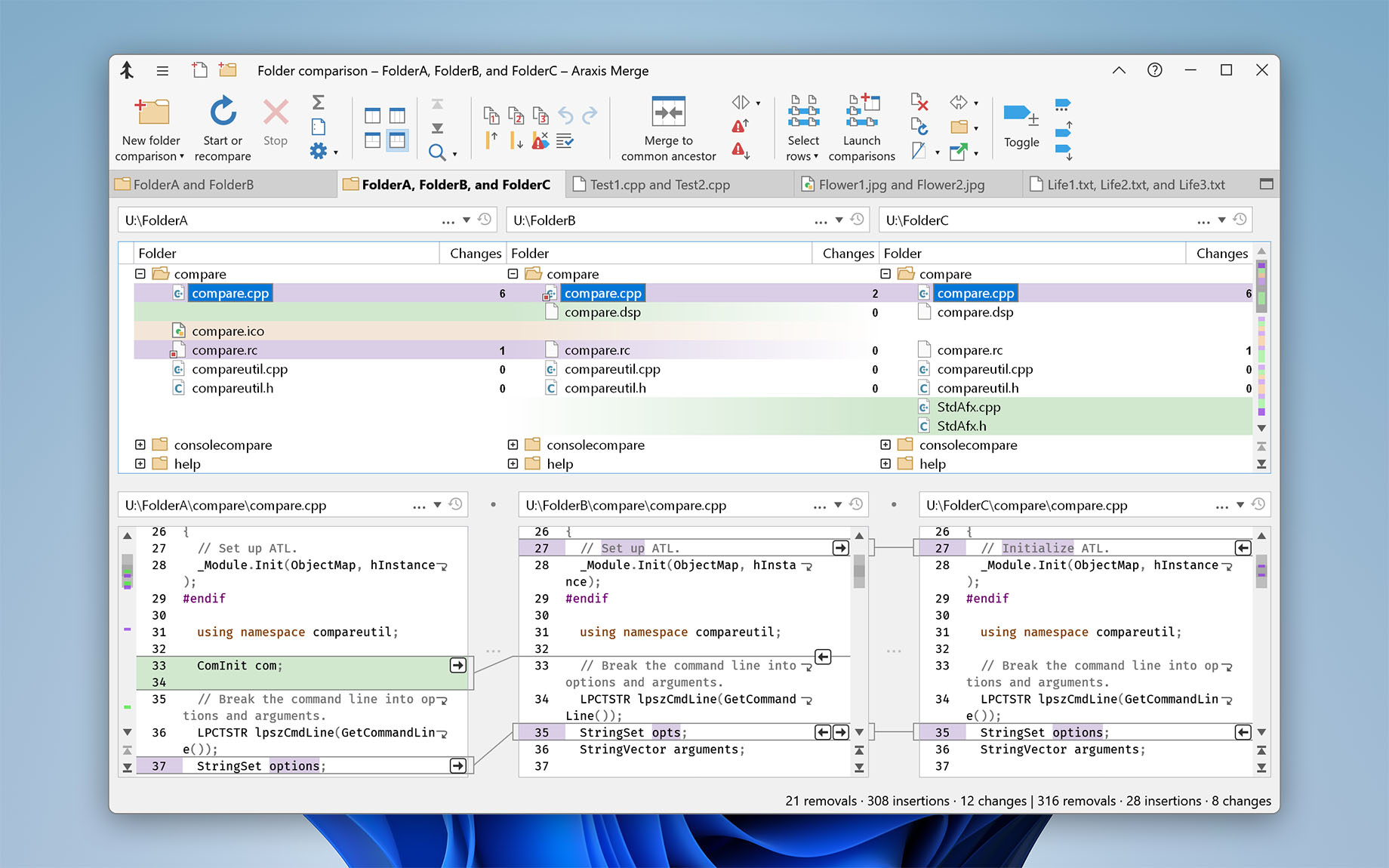 Araxis Merge offers two and three-way visual file comparison (diff), merging and folder synchronization. Compare and merge source code, web pages, XML and other text files. Directly open and compare the text from Word, Excel, OpenDocument, PDF and RTF files. Compare images and binary files. Synchronize folders. Perform code reviews and audits. Merge integrates with many SCM (version control) systems and other applications.
Windows | Demo
Read More
Business :: Databases & Tools
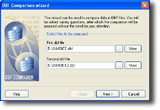 A powerful and easy-to-use precise comparison tool for comparing DBF files. Simply choose 2 DBFs you want to compare and specify the data fields, which interest you. DBF Comparer creates a detailed log file at the end of the procedure, supports memo fields and case sensitive comparison, and supports various DBF file formats. What's more, now you can create a new DBF file which will contain only matches or differences of the two compared.
Windows | Shareware
Read More
System Utilities :: Backup & Restore
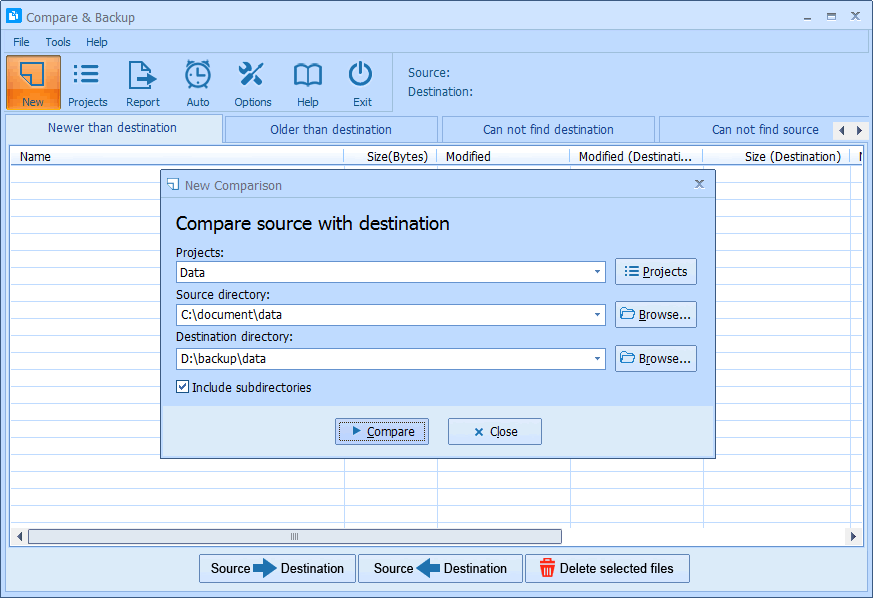 Compare & Backup is an easy to use and powerful tool for directory synchronization. It allows you to compare source with destination before backup. Compare results are shown in 5 sections:
1) Newer than destination
2) Older than destination
3) Can not find destination
4) Can not find source
5) Only size changed
So you will exactly know what the difference is between source and destination.
Compare & Backup is an easy to use and powerful tool for directory synchronization. It allows you to compare source with destination before backup. Compare results are shown in 5 sections:
1) Newer than destination
2) Older than destination
3) Can not find destination
4) Can not find source
5) Only size changed
So you will exactly know what the difference is between source and destination.
Windows | Shareware
Read More
System Utilities :: Backup & Restore
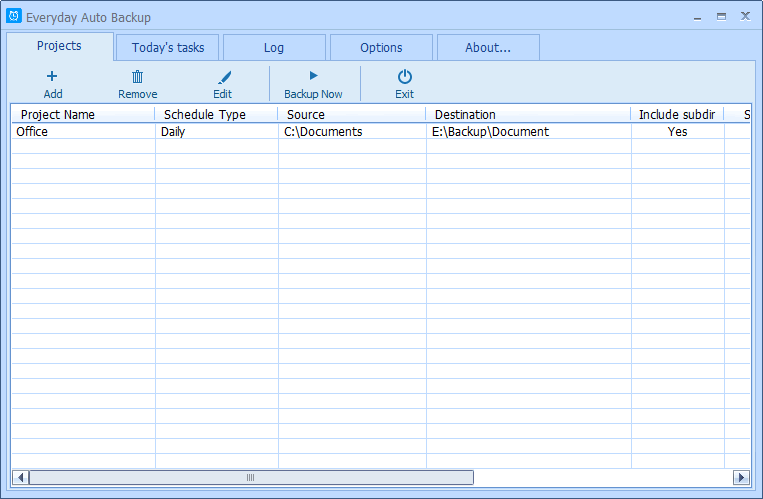 Everyday Auto Backup is an easy-to-use software designed to backup files automatically. What you need to do is to specify the source directory, the destination directory and the backup time. Then let this software do the rest. When the start time of a backup task arrives, this software will automatically start the backup task in the background without manual intervention. This software could be very useful to the Dropbox users.
Windows | Freeware
Read More