


N5 Net Software Repository
Your one-stop for all your software needs.
Search N5 Net Software Repository:
Search Files
Sponsor:
Browse:
- Audio & Multimedia (1621)
- Business (4269)
- Communications (1275)
- Desktop (188)
- Development (613)
- Education (177)
- Games & Entertainment (714)
- Graphic Apps (690)
- Home & Hobby (107)
- Network & Internet (577)
- Security & Privacy (529)
- Servers (65)
- System Utilities (11779)
- Web Development (292)
Areas Of Interest
Authors Area
Are you a software author? Take a look at our Author Resource Center where you will find marketing tools, software specifically created for promoting your software and a ton of other helpful resources.
Barcode Label Designing Application 4.7
Business :: Office Suites & Tools
(Click to Enlarge)
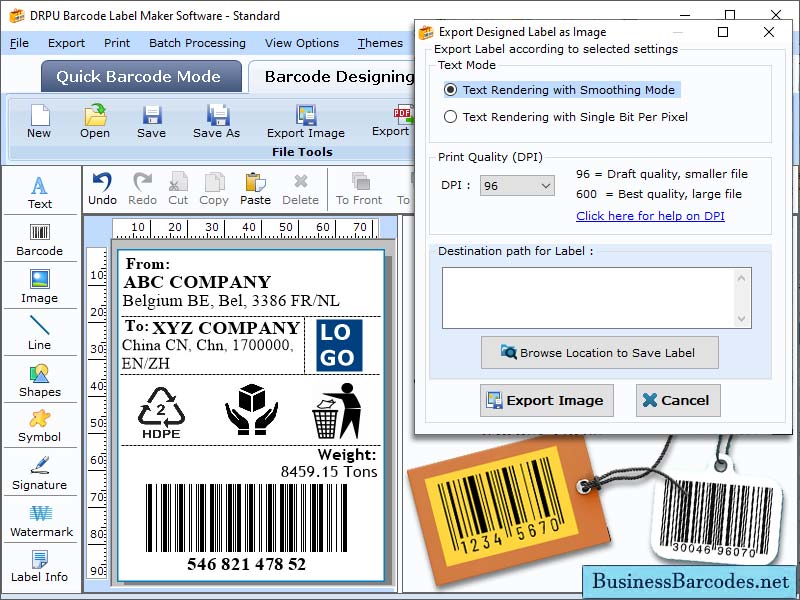
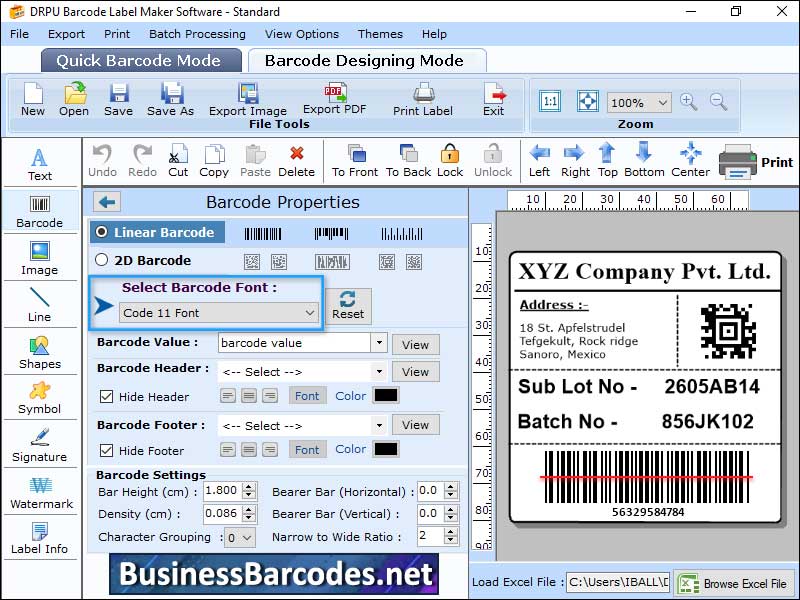
Barcode maker software generates barcode labels, sticker or tags that can be used for various purposes. This software allow user to generate versatile barcodes and provides user-friendly interface. Barcode label maker software comes with wide range of designing tools, which help user to design their barcodes as per their requirement. User can also extract data from excel for designing their barcode label. Designed barcode images can be stored in the form of extension like TIFF, PNG, JPEG. Barcode label maker software is easy-to-use software with no complex installation processes involved. User with no prior knowledge about the software can easily operate this software without any difficulties. Barcode label maker software provide number of designed templates, so the user with no technical knowledge about designing barcodes can use templates and start designing their barcode labels.*Step to make barcodes from barcode label maker software: 1-Download and Install: Download and install barcode label maker software from its official website. 2-Select the barcode type: Barcode label maker support over 26+ barcode symbologies and allow creation of both linear and 2D barcodes. Select the barcode font as per your requirement and start designing your barcodes. 3- Enter your barcode data: Enter the information you want to encode in barcode. This can be price, manufacturer name, product codes, serial number. 4-Label customization: You can customize your label by adding logo, images, text and many more. 5-Preview and Print:After designing your barcode click on preview button and check how your barcode image will look like. Once you are done with checking then click on print label option to print your barcode label. This will avoid wastage of label and save both time as well as money. Overall, Barcode label maker software is a great tool that streamline your label designing process.
Specifications:
Version: 4.7 |
Download
|

Similar Products:
AUTOMATED BARCODE SCANNING SYSTEM 8.6.5
Business :: Inventory & Barcoding
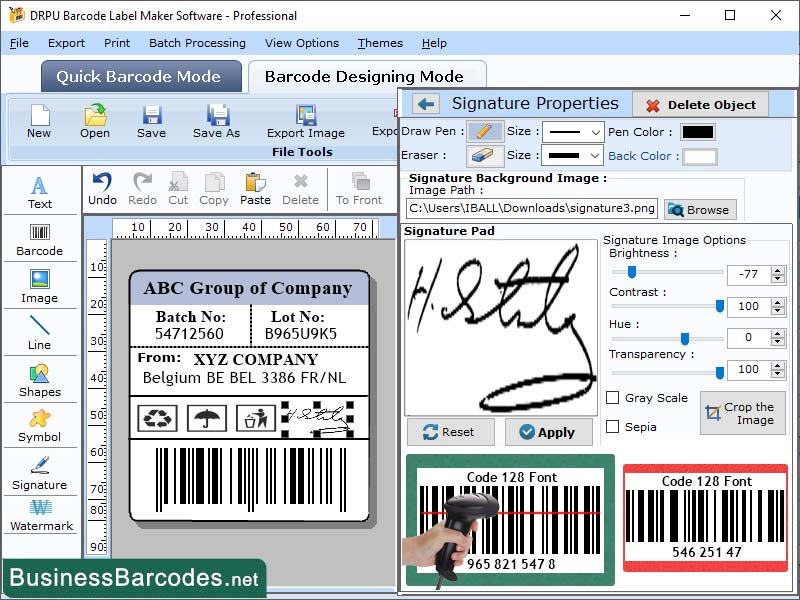 Barcode scanning systems in business settings enhance efficiency, reduce errors, and save costs. They provide real-time tracking, improved customer service, and valuable data insights. Barcode technology is crucial for improving accuracy in various business operations, including inventory management, reducing errors, and increasing productivity. barcode systems contribute to streamlining operations and enhancing overall business efficiency.
Windows | Shareware
Read More
DOWNLOAD BARCODE PRINT TOOL 14.5
Business :: Inventory & Barcoding
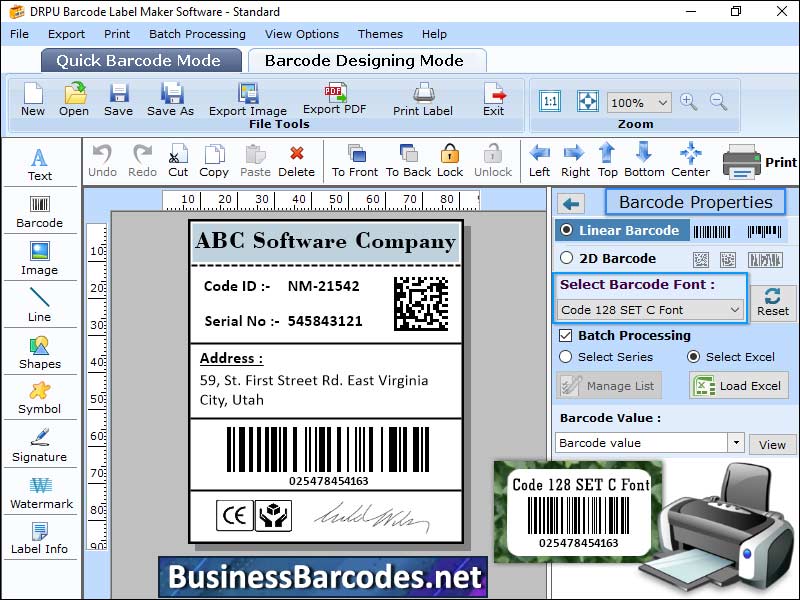 Barcode printer manufacturers offer warranties and service agreements, covering defects in materials and workmanship, free repair or replacement, and additional benefits like priority service, and preventative maintenance. Barcode printer can print multiple labels at once, depending on the model and label size. Desktop models can print a few dozen to a few hundred labels per batch, while advanced industrial models can print thousands per hour.
Windows | Shareware
Read More
Business :: Inventory & Barcoding
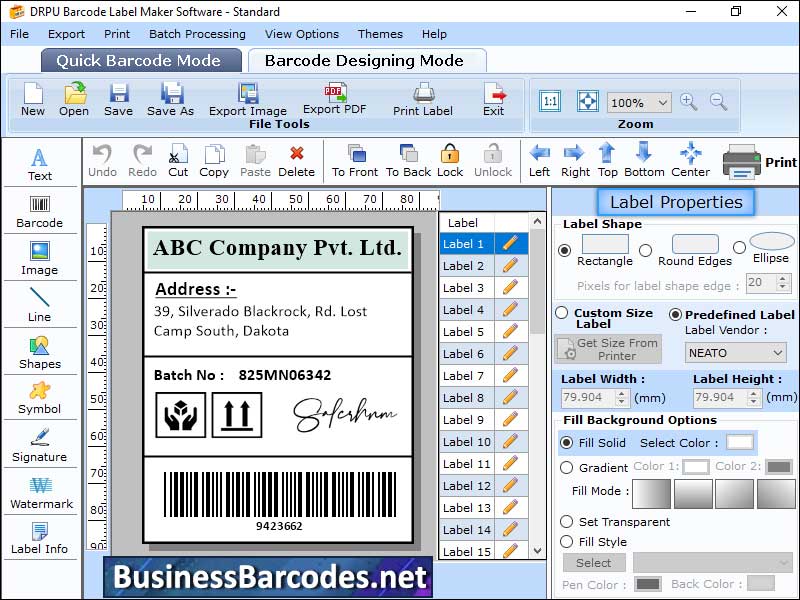 Code 39 barcode is a self-checking barcode that can be easily read by most barcode scanners, making it ideal for fast and accurate data capture. Barcode can encode 43 characters, including uppercase letters, numbers, and special characters.
Windows | Shareware
Read More
CODE11BARCODE GENERATE APPLICATION 14.2
Business :: Inventory & Barcoding
 Code 11 barcodes can be read using various devices, including handheld barcode, stationary barcode scanners, and mobile devices with built-in cameras. Handheld barcode scanners emit a laser or LED light, decoding the information encoded in barcode. Code 11 barcodes are linear barcodes used for inventory tracking and other applications in United States and other countries. They can encode 10 numeric digits (0-9) and 6 special characters (0-%).
Windows | Shareware
Read More