


N5 Net Software Repository
Your one-stop for all your software needs.
Search N5 Net Software Repository:
Search Files
Sponsor:
Browse:
- Audio & Multimedia (1621)
- Business (4269)
- Communications (1275)
- Desktop (188)
- Development (613)
- Education (177)
- Games & Entertainment (714)
- Graphic Apps (690)
- Home & Hobby (107)
- Network & Internet (577)
- Security & Privacy (529)
- Servers (65)
- System Utilities (11779)
- Web Development (292)
Areas Of Interest
Authors Area
Are you a software author? Take a look at our Author Resource Center where you will find marketing tools, software specifically created for promoting your software and a ton of other helpful resources.
2JPEG 8.3
Business :: Office Suites & Tools

(Click to Enlarge)
2JPEG is the command line tool for converting PDF documents and image files to the JPG format. The list of source file formats includes 275 items, and thanks to our customers' requests, we regularly update the list of file formats adding new file formats for software support. You can start 2JPEG command line using the Windows run feature (click Win+R), from VBScrip, Java Script, batch file, or from your own software source code. 2JPEG will scan the folders you specify as source folders, and will then process all the necessary files. Alternatively, you can save the list of source files and folders as a text file and insert it into the 2JPEG command line. 2JPEG is not just an image converter. It can automatically scale converted image files and documents, rotate them, flip them, use photo correction, and apply a watermark. The list of available photo effects includes: blur, sharpen, smoothing noise, grayscale, sepia, replace color, brightness, contrast, gamma correction, auto contrast, auto levels and replace color. Also, 2JPEG can split pages from multipage documents like PDF, TIFF and DCX. And you can select the range of pages you need to split and convert specific pages to the JPG format. 2JPEG has no graphic interface. Thanks to this, it works very fast and is very reliable. It can work 24 hours a day and 7 days a week. You can use 2JPEG on a web service as a graphics core or distribute it as a part of your own software product for silent usage as an image processing component.
Specifications:
Version: 8.3 |
Download
|

Similar Products:
PDF EXTRACT TIFF (CONVERT PDF TO TIFF) 2.0
::
 PDF Extract TIFF software is a simple and affordable extraction tool that facilitates the reuse of PDF files by enabling you to extract images from PDF files and save them as TIFF images. You can then use or edit the images in other Windows applications such as MS Word, Adobe Photoshop, or any other image enhancement/manipulation program.
Windows | Shareware
Read More
FM PDF TO JPG CONVERTER PRO 5.2
Business :: Office Suites & Tools
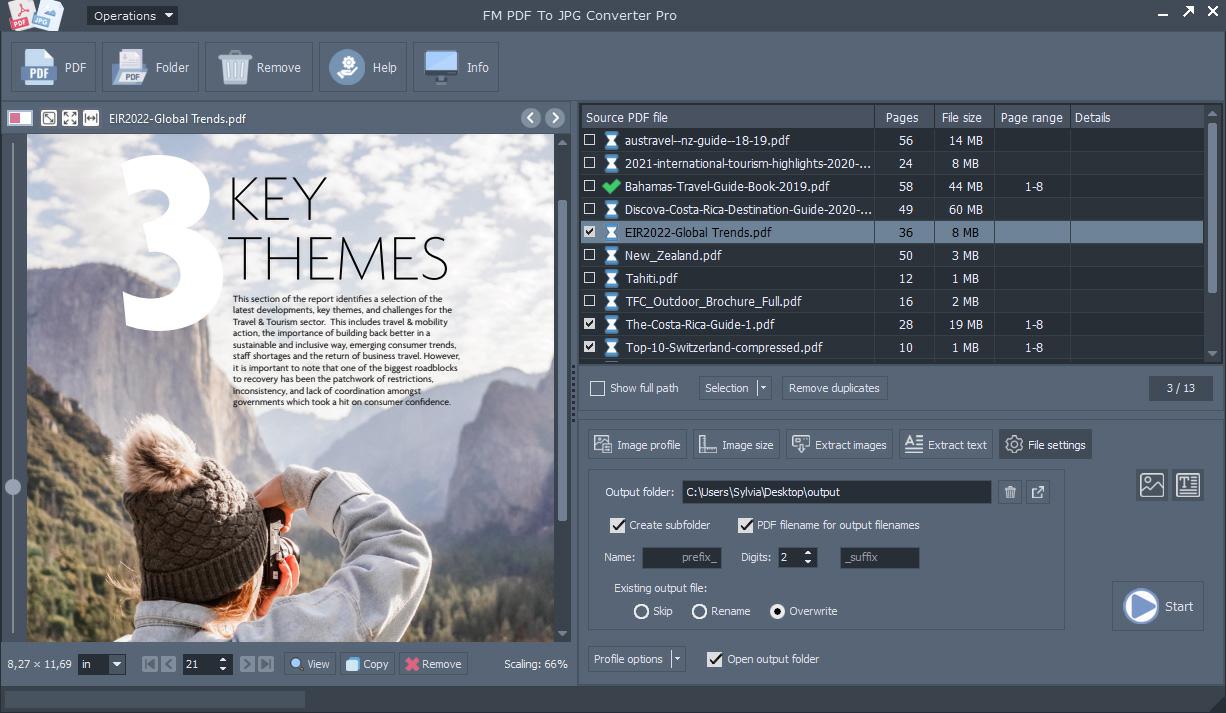 FM PDF To JPG Converter Pro converts PDF files to images in BMP, GIF, JPG, JPEG, PNG, TIFF formats. The FM PDF To JPG Converter Pro is an excellent tool for implementing PDF documents data archives or share these PDFs in image formats. Original document layout is fully preserved on each page. FM PDF To JPG Converter Pro is a standalone, batch conversion utility to convert PDF documents to image files.
Windows MAC Linux | Demo
Read More
Business :: Office Suites & Tools
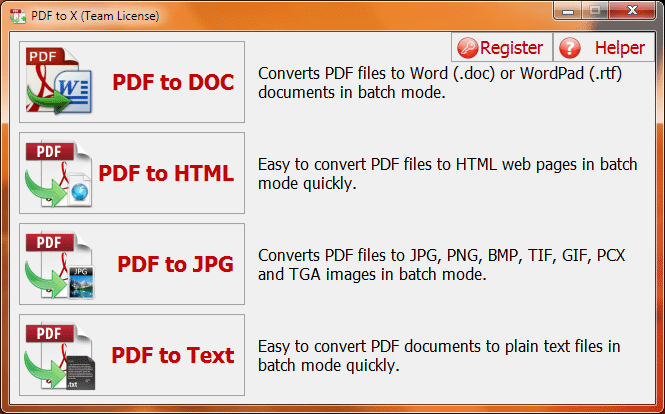 PDF to X is used to convert PDF documents to Word (.doc)/WordPad (.rtf) documents, HTML web pages, JPG/PNG/BMP/TIF/GIF/PCX/TGA images and plain text files in batch mode. It works without Adobe Acrobat or Adobe Reader, and has Command Line Interface (CLI), friendly interface, small size, accurate and fast conversion ability. It retains the original text, images, format and layout of PDF documents in various output files as much as possible.
Windows | Shareware
Read More
VERYUTILS PDF TO IMAGE CONVERTER COMMAND LINE 2.7
Business :: Office Suites & Tools
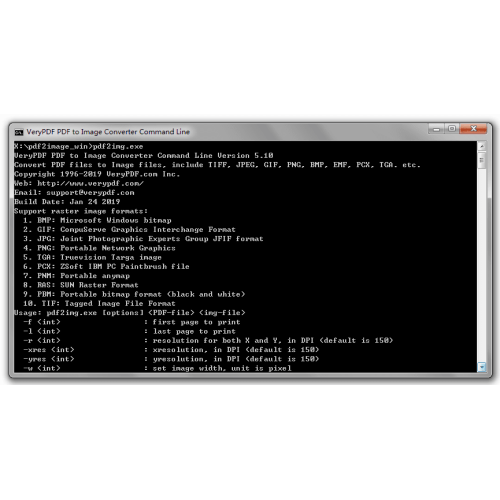 VeryUtils PDF to Image Converter Command Line is a Windows console utility that create image files (png, jpg, bmp, gif, tiff, tga, pcx, etc.) from PDF files based on pages. PDF to Image Command Line is a standalone program, it does not need Adobe Acrobat or Adobe Reader. A trial version for VeryUtils PDF to Image Converter Command Line is available for download and evaluation.
Windows | Shareware
Read More