


N5 Net Software Repository
Your one-stop for all your software needs.
Search N5 Net Software Repository:
Search Files
Sponsor:
Browse:
- Audio & Multimedia (1621)
- Business (4269)
- Communications (1275)
- Desktop (188)
- Development (613)
- Education (177)
- Games & Entertainment (714)
- Graphic Apps (690)
- Home & Hobby (107)
- Network & Internet (577)
- Security & Privacy (529)
- Servers (65)
- System Utilities (11779)
- Web Development (292)
Areas Of Interest
Authors Area
Are you a software author? Take a look at our Author Resource Center where you will find marketing tools, software specifically created for promoting your software and a ton of other helpful resources.
Readability of LOGMARS Barcode Labels 7.4.9.1
Business :: Inventory & Barcoding
(Click to Enlarge)
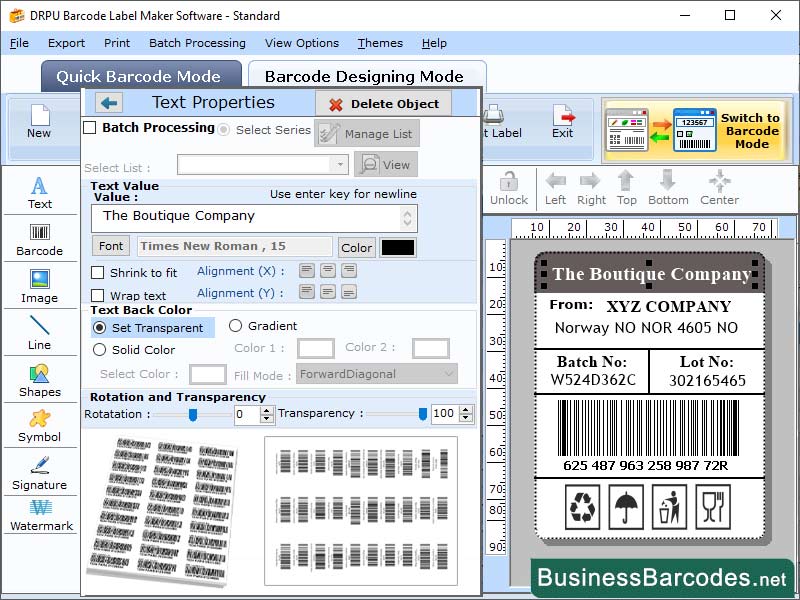
Printing mechanism of the LOGMARS barcode labels: Have a look here to know about the printing of LOGMARS labels: *Choose a barcode printer: Firstly, choose a reliable printer to print a LOGMARS barcode. There are various of barcode printers available from variety of desktop printers to industrial printers. It is essential to choose a printer which enables user to produce high-quality barcodes labels and also functionable with the software that is used to produce the barcode labels. *Choose right label: After choosing a reliable printer, the forward step is to choose the correct label for the desirable application. These barcodes labels are mainly printed on white labels that are of 1.5 inches wider and 1 inch taller. *Generate and testing of barcode: It is essential that the barcode must be generated by using an enhanced barcode generator tool before the printing of label. Also, before printing the barcode on the proper label, it is important to test the print of the barcode on a plain surface of paper. *Print and verify the barcode: After the printing testing has been successfully done, the barcode could be printed on the label. LOGMARS barcode verification tools check the barcode picture to make sure that the label fulfil all the quality standards and can be read easily by a scanner. Limitation of LOGMARS barcode: *Line-of-sight required: One of the most basic limitations of working of LOGMARS barcode is that a line-of-sight is required between the barcode scanning tool and the label. It means that the barcode should be visible in order to scan properly by the scanner. *Barcode Orientation: Label orientation could also be a limitation of LOGMARS barcode. These barcodes require a particular orientation in order to be scanned by the scanner machine. *Cost: LOGMARS barcode labels scanning mechanism can be costly to implement of the labelling products.
Specifications:
Version: 7.4.9.1 |
Download
|

Similar Products:
BARCODE DESIGN SOFTWARE 11.3.1.6
Business :: Inventory & Barcoding
 How to design premium quality barcode stickers? Why not! Visit www.generate-barcode.com for getting versatile Barcode Software that creates rich quality barcode product price tags and print using advanced color or font setting
Windows | Shareware
Read More
INDUSTRIAL BARCODE LABEL SOFTWARE 11.3.5.0
Business :: Inventory & Barcoding
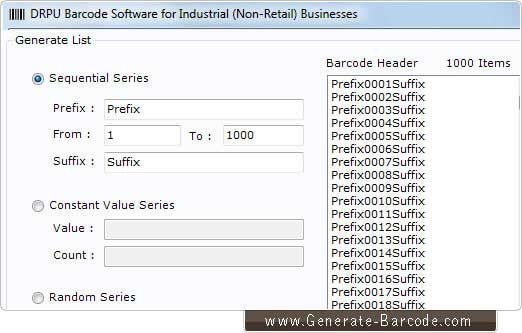 Visit www.generate-barcode.com website which enables you to download Industrial Barcode Labels software which offers fast and comprehensive designing of your business suitable barcode images, stickers and tags using different objects like line, text etc.
Windows | Shareware
Read More
RETAIL INDUSTRY COUPONS CREATING TOOL 9.2.3.2
Business :: Inventory & Barcoding
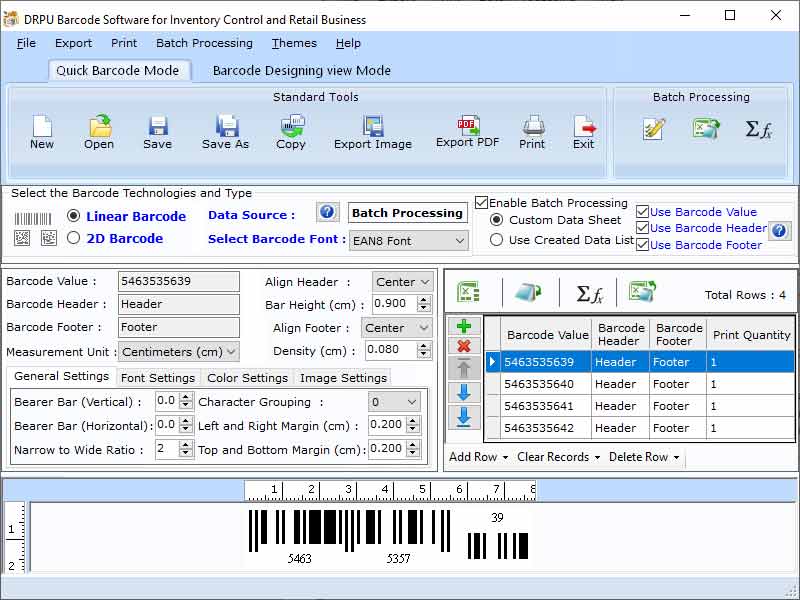 Barcodes are the demanding for the retail industry. When it comes up to the retail business it is widely used because each product needs a particular barcode. Some retail store depends upon human because they are not using barcodes so they have to face losses in their business. It can decrease the sale as well as take too much time in the checkout process. Product barcodes label creating application can generate the barcodes for retail industry.
Windows | Shareware
Read More
ID BADGES MAKER SOFTWARE 11.3.0.1
Business :: Inventory & Barcoding
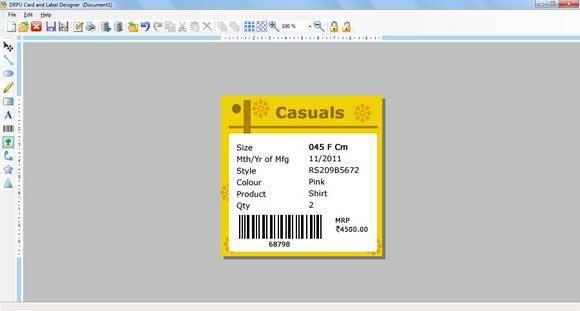 Impressive label generator program is excellent choice for all small and large level business organizations for creating stylish ID cards, tags. ID cards and ID badges maker software designs attractive stickers, ribbons of various colors, shape, size, density, dimension, style, font and many more. Outstanding label designer application is fully capable to produce bulk business cards, badges, tags using latest barcode series generation techniques.
Windows | Shareware
Read More