


N5 Net Software Repository
Your one-stop for all your software needs.
Search N5 Net Software Repository:
Search Files
Sponsor:
Browse:
- Audio & Multimedia (1621)
- Business (4269)
- Communications (1275)
- Desktop (188)
- Development (613)
- Education (177)
- Games & Entertainment (714)
- Graphic Apps (690)
- Home & Hobby (107)
- Network & Internet (577)
- Security & Privacy (529)
- Servers (65)
- System Utilities (11779)
- Web Development (292)
Areas Of Interest
Authors Area
Are you a software author? Take a look at our Author Resource Center where you will find marketing tools, software specifically created for promoting your software and a ton of other helpful resources.
Install Company Card Making Software 6.4.4
Business :: Office Suites & Tools
(Click to Enlarge)
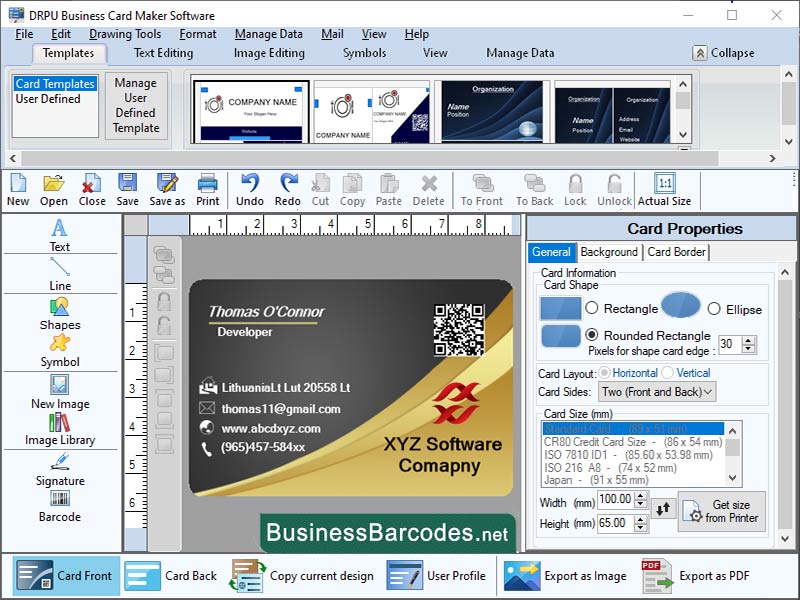
How to validate and test business card designs using business card maker application? To design a business card, first define its purpose and target audience. Choose design template that reflects your brand and message, including colour scheme, font, and layout. Add relevant information, such as your name, title, company name, contact information, and social media handles. Review and revise the design, making necessary revisions. Get feedback from colleagues, friends, or family members to identify areas for improvement. Test the design on different devices to ensure it is legible and visually appealing.Before sending a design to printoffice printer to identify issues like small text or incorrect colours. MOST IMPORTANT USEFUL TOOLS AND KEYBOARD SHORTCUTS IN BUSINESS CARD DESIGNING SOFTWARE: *Tools of business card designing application: Business card maker software offers various features to streamline design process. Pre-designed templates save time and effort. Guides help align objects and ensure consistency. Grids provide a structured framework, while layers organize elements for easy editing. Object alignment features ensure balanced designs. These tools help create professional-looking designs by aligning elements, enhancing the overall user experience. *Keyboard shortcuts of organization card designing application: The keyboard shortcuts Ctrl + N, Ctrl + S, Ctrl + P, Ctrl + Z, Ctrl + Y, Ctrl + C, Ctrl + V, Ctrl + X, Ctrl + A, Ctrl + B, Ctrl + I, Ctrl + U, and Ctrl + O are essential for various functions in Microsoft Office. These shortcuts allow users to create new documents quickly, save documents, print documents, undo actions, copy selected text or objects, paste copied text or objects, cut selected text or objects, select all text or objects, bold selected text, italicize selected text, underline selected text, and open an existing document.
Specifications:
Version: 6.4.4 |
Download
|

Similar Products:
DESIGN AND PRINT LABEL SOFTWARE 6.2.7
Business :: Office Suites & Tools
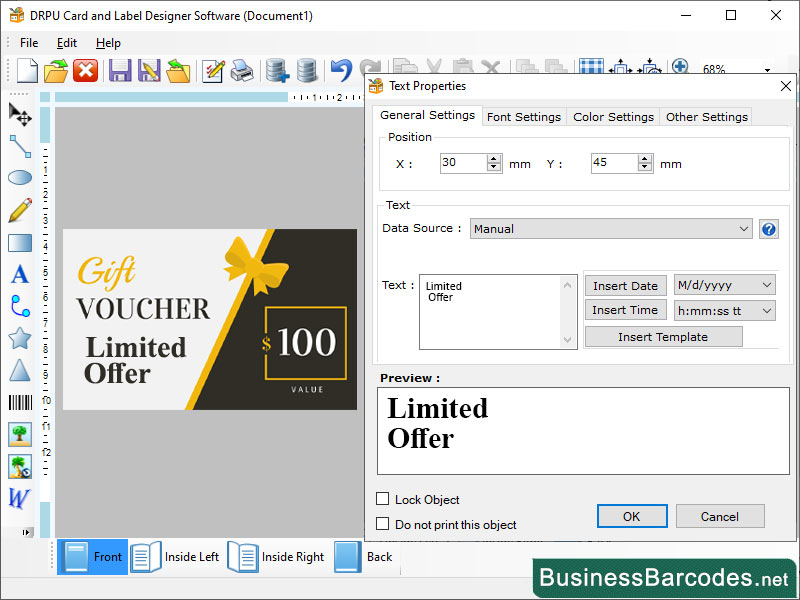 Software testes and validates your label designs before sending them to print is essential to ensure that your labels will look and function as intended. Label DesignerSoftware allows designers to create unique labels for each individual product or package.Using label designer software to check for spelling and grammar errors, design inconsistencies, dimensions and bleed.software then generates unique labels based on the data in the database.
Windows | Shareware
Read More
GREETING CARD MAKER PROGRAM 5.8
Business :: Office Suites & Tools
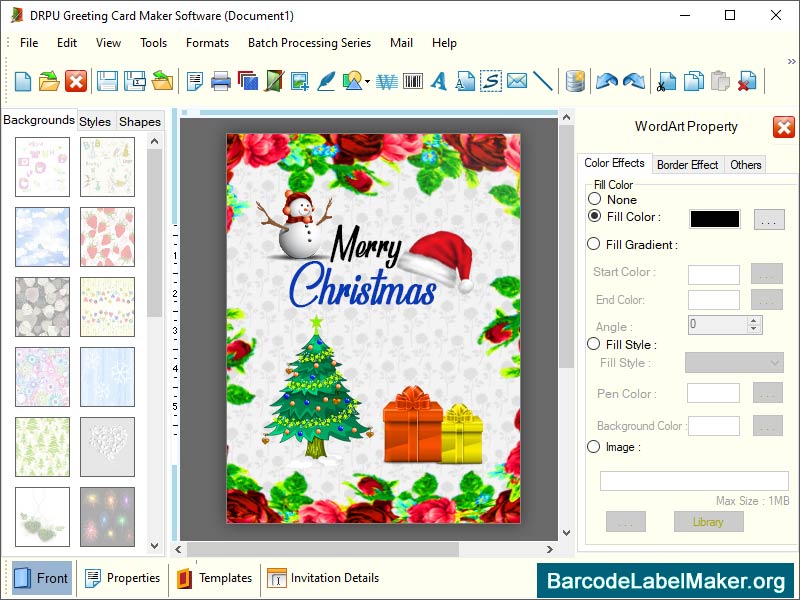 Birthday card creator utility offers you to design colorful, innovative greeting cards for convey true feelings to your loved ones on special occasions. Free online greeting card maker software is finest medium to express your love and affection for near and dear ones by sending them greeting cards. Greeting card designer program is specially designed for crafting high quality, stunning birthday cards, wedding cards etc using simplified approach.
Windows | Shareware
Read More
Business :: Office Suites & Tools
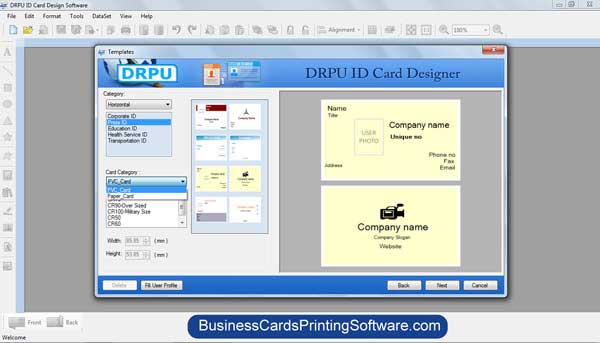 Visit www.businesscardsprintingsoftware.com website link and download Free ID Card Maker utility for creating student ID card by using different color, images, and text value within short duration of time period. ID card maker tool facilitates you to design unlimited ID cards in rectangular shape.
Windows | Shareware
Read More
EMPLOYEE TOUR MANAGEMENT TOOL 5.0.1.5
Business :: Office Suites & Tools
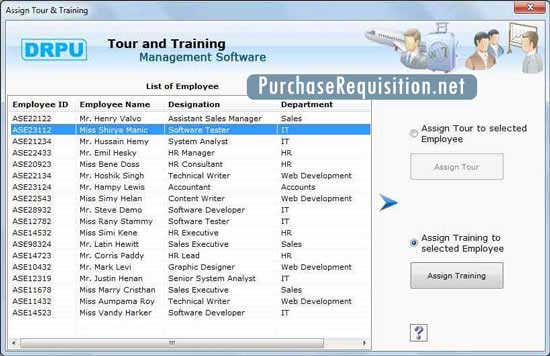 Employee Tour Management Tool application is able to maintain employee company tour related details like tour type, days, time and other related details at one place. Staff tour and training program is capable to generate employee official visiting and trip reports.
Windows | Shareware
Read More