


N5 Net Software Repository
Your one-stop for all your software needs.
Search N5 Net Software Repository:
Search Files
Sponsor:
Browse:
- Audio & Multimedia (1615)
- Business (4234)
- Communications (1267)
- Desktop (186)
- Development (607)
- Education (176)
- Games & Entertainment (710)
- Graphic Apps (685)
- Home & Hobby (106)
- Network & Internet (575)
- Security & Privacy (527)
- Servers (64)
- System Utilities (11758)
- Web Development (287)
Areas Of Interest
Authors Area
Are you a software author? Take a look at our Author Resource Center where you will find marketing tools, software specifically created for promoting your software and a ton of other helpful resources.
NAS Data Recovery 2.31
System Utilities :: File & Disk Management
(Click to Enlarge)
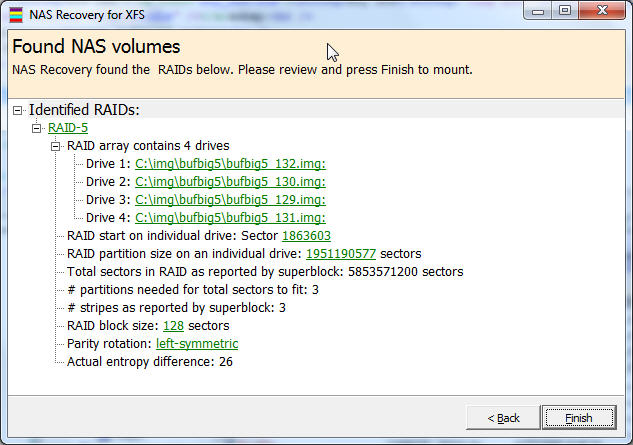
NAS Data Recovery recovers the entire content of your broken NAS within minutes. You will be able to copy the files and folders over to another disk. NAS Data Recovery works for all XFS- or EXT2FS formatted single-drive, RAID-0, RAID-1, or RAID-5 NAS stations from manufacturers such as Buffalo, DLink, Western Digital, Seagate, or Iomega. Remove the drives from your NAS station and attach them locally to your machine. Make sure the drives are all recognized by Windows Disk Management. If you are trying to recover a RAID-5, it is Ok to attach one drive less than the total number of drives in that NAS. NAS Recovery also works with images of your drives. Install NAS Data Recovery to your computer and start the program. In Vista or Windows 7 you need to right-click the program icon and select "Run as Administrator". A wizard will guide you through the recovery. A couple of minutes later, an Explorer-like window will show all recoverable files and folders. Now you can copy your files over to another disk. You can also view many file types before copying them, e.g. pictures, documents, etc. NAS Data Recovery is easy to use. It automatically find all parameters needed for the recovery, such as RAID start sector, stripe size, rotation, and drive order. Everybody is now able to recover his own NAS. No data recovery background required. No need to buy any other software. NAS Data Recovery also runs from the Runtime Live CD or a WinPE boot CD-ROM
Specifications:
Version: 2.31 |
Download
|

Similar Products:
ACTIVE@ KILLDISK LINUX CONSOLE 10.0.1012
System Utilities :: File & Disk Management
 Active@ KillDisk for Linux can be launched and work under any Linux family operating system (Debian, Ubuntu, RedHat, Oracle, OpenSUSE, TinyCore) in console (non-graphical) mode. Active@ KillDisk for Linux (Console) can be also launched from a pre-installed on media storage device operating system (LiveCD).
Linux | Freeware
Read More
HOW TO FIX SQLITE DATABASE 1.2
System Utilities :: File & Disk Management
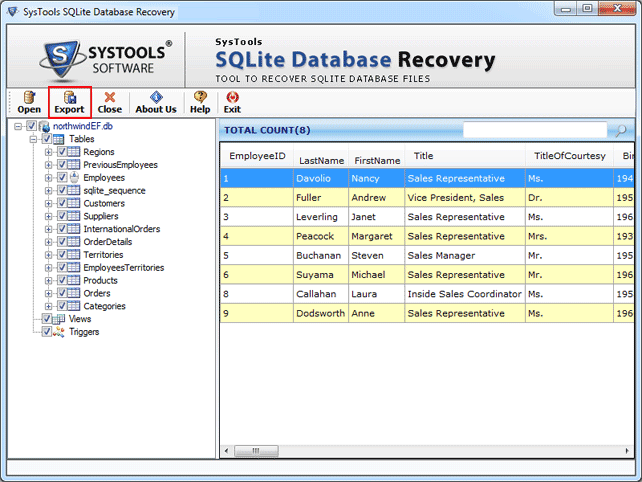 Confused how to fix SQLite database? Don?t worry just try capable and reliable SQLite database recovery tool which quickly fix corrupted SQLite database in few clicks. User can fix and access SQLite database such as tables, triggers, views, fields etc and can easily convert into SQLite DB file format.
Windows Linux | Shareware
Read More
System Utilities :: File & Disk Management
Need to perform SQLite database recovery process? Then this SQLite recovery software is the best solution for you, software deeply scans inaccessible and corrupt SQLite database and recover all SQLite database with perfection. You can repair and restore in healthy .db file format and convert SQLite database to MDB file and MDF file.
Windows Linux | Shareware
Read More
System Utilities :: File & Disk Management
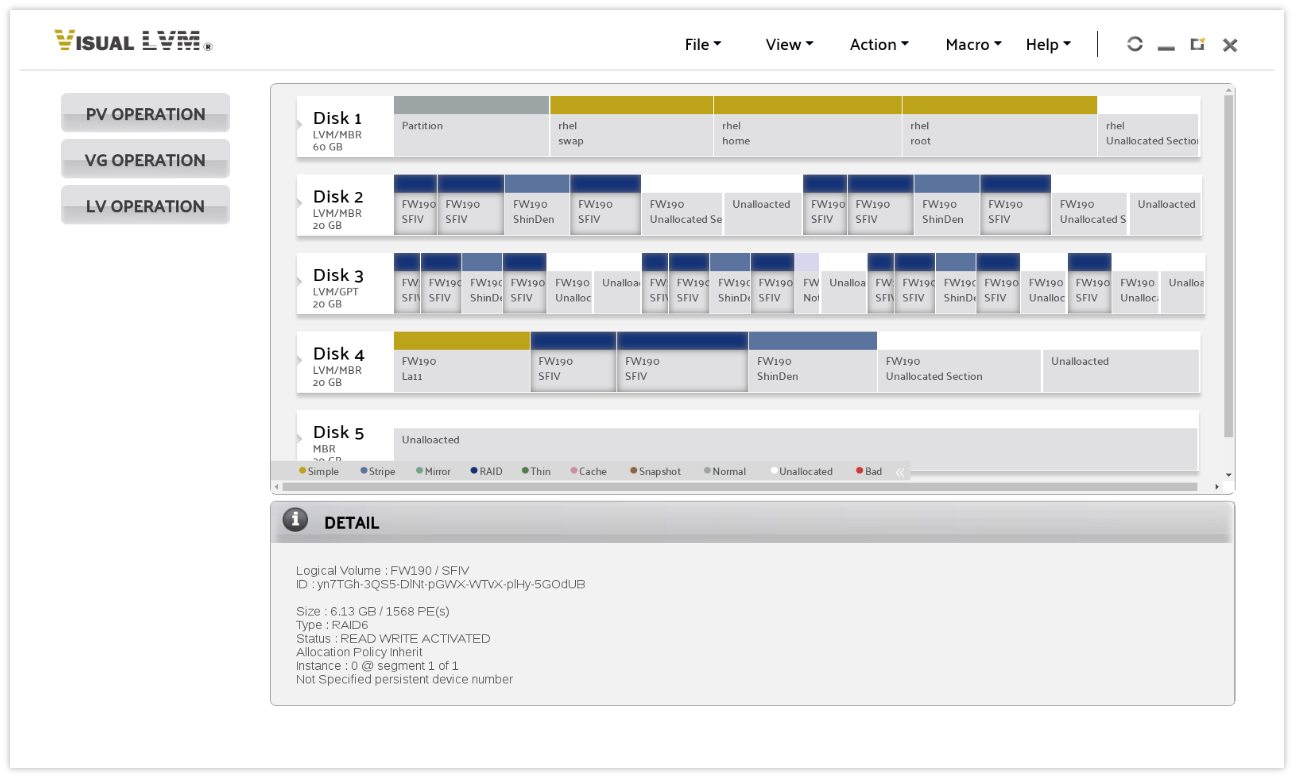 Visual LVM is a GUI based LVM management software developed by weLees., Ltd. It frees storage administrators from endless command line parameters and makes user managing LVM more easy
Linux | Commercial
Read More