


N5 Net Software Repository
Your one-stop for all your software needs.
Search N5 Net Software Repository:
Search Files
Sponsor:
Browse:
- Audio & Multimedia (1621)
- Business (4269)
- Communications (1275)
- Desktop (188)
- Development (613)
- Education (177)
- Games & Entertainment (714)
- Graphic Apps (690)
- Home & Hobby (107)
- Network & Internet (577)
- Security & Privacy (529)
- Servers (65)
- System Utilities (11779)
- Web Development (292)
Areas Of Interest
Authors Area
Are you a software author? Take a look at our Author Resource Center where you will find marketing tools, software specifically created for promoting your software and a ton of other helpful resources.
Wondershare PPT to YouTube 1.5.0
Audio & Multimedia :: Presentation Tools
(Click to Enlarge)
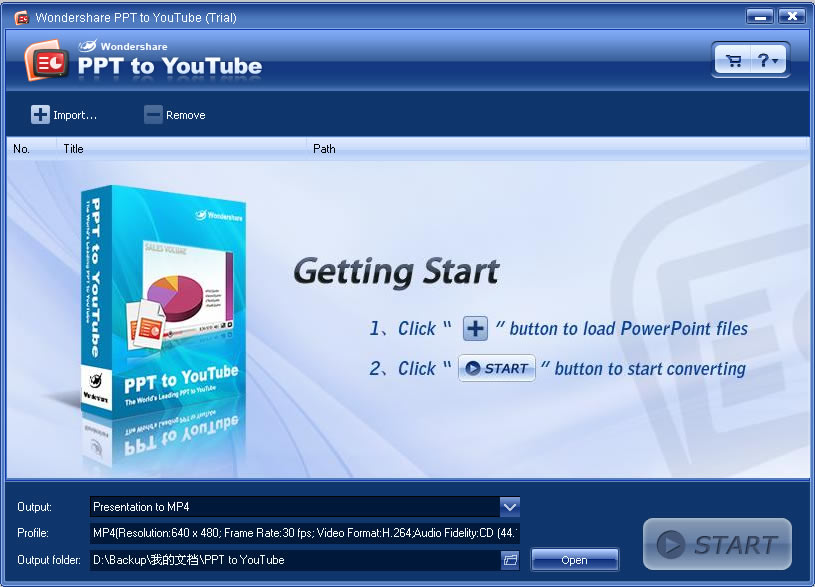
As PowerPoint is an easy and powerful tool to make beautiful slide show. We always use it to make slides to share with family or friends. And if your slide show is very funny or unique, you would be eager to share it with more people on YouTube. But, you know YouTube only accept video formats such as WMV, MP4. To put PowerPoint slide show on YouTube, we must convert PowerPoint file to WMV or MP4 video. This is actually what can Wondershare PPT to YouTube do for you. Benefits of putting PowerPoint slide show on YouTube 1. It is more convenient and easy to create compelling video slide show with PowerPoint and Wondershare PPT to YouTube 2. Broadcast yourseft on YouTube with your unique PowerPoint photo slide show 3. Promote your product or company with PowerPoint presentation on YouTube worldwide 4. It is an innovative alternative solution to email a PowerPoint presentation to others. What's the best format to upload for high quality? MPEG4 (Divx, Xvid) format 640x480 resolution (* most updated recommendation) MP3 audio 30 frames per second Resizing your video to these specifications before uploading will help your videos look better on YouTube. Ceate YouTube video with PPT to YouTube 1. Click "Import file" button to load PowerPoint files. 2. Click "Setting..." button to set the output options. 3. Click "Start" button to start converting. Key Features of Wondershare PPT to YouTube Convert PowerPoint presentations to WMV, MP4 video Retain animations, transitions, sound and movie clips Superior batch conversion: up to 8 PowerPoint files can be converted at a time
Specifications:
Version: 1.5.0 |
Download
|

Similar Products:
POWERPOINT SLIDE SHOW CONVERTER 3.2.4.2
Audio & Multimedia :: Presentation Tools
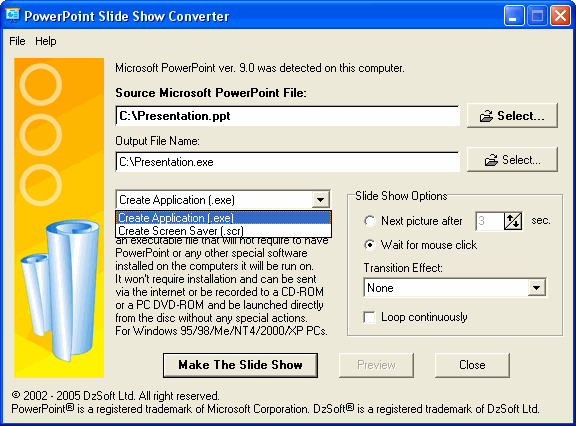 PowerPoint Slide Show Converter turns a presentation created with Microsoft PowerPoint into a self-running slide show application (executable file) or a screen saver that can be run on Windows computers without requiring any additional programs or files. This is the best way to ensure that everyone can view your presentation, regardless of whether they have PowerPoint on their computers or not. Does not require to have PowerPoint installed.
Windows | Shareware
Read More
Audio & Multimedia :: Presentation Tools
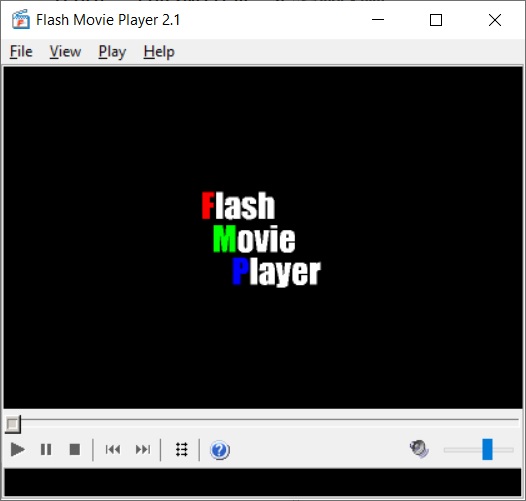 Flash Movie Player is a freeware standalone player for Shockwave Flash (SWF) animations, based on the Adobe Flash Player plug-in. In addition to all Adobe Flash Player abilities, it has a lot of extended features, such as animation rewinding, advanced full-screen mode, browser cache integration, .exe projectors support, and playlists. Moreover, Flash Movie Player can extract flash movies from .exe projector files and save them in SWF format.
Windows | Freeware
Read More
POWERDVDPOINT - PPT TO DVD CONVERTER 3.5
Audio & Multimedia :: Presentation Tools
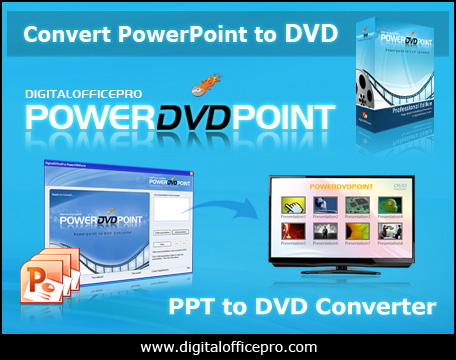 PowerDVDPoint is a comprehensive and efficient conversion tool that helps you to easily burn professional looking PowerPoint presentations to DVD video format supported by your system. The converted output retains all the features of the original PowerPoint presentation effects like Transition, Sound, Video Clips and Animation effects on slides. There is no distortion or loss of any PowerPoint effects on the output video.
Windows | Shareware
Read More
PRESENTATION AIDE FOR WINDOWS XP 2.03
Audio & Multimedia :: Presentation Tools
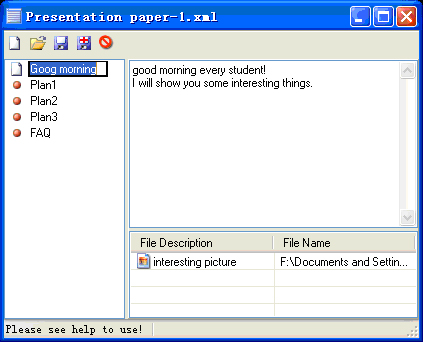 When you give a lecture or make a speech with computer and projector, Presentation Aide will greatly help you. The projector monitor can mirror your computer monitor synchronously , but, without something such as Presentation paper window and a Memorandum window. So, you can see something prepared in your computer monitor, but audience can not see them in the projector monitor! Please visit www.vaysoft.com for details!
Windows | Shareware
Read More