


N5 Net Software Repository
Your one-stop for all your software needs.
Search N5 Net Software Repository:
Search Files
Sponsor:
Browse:
- Audio & Multimedia (1615)
- Business (4233)
- Communications (1267)
- Desktop (186)
- Development (607)
- Education (176)
- Games & Entertainment (710)
- Graphic Apps (685)
- Home & Hobby (106)
- Network & Internet (575)
- Security & Privacy (527)
- Servers (64)
- System Utilities (11758)
- Web Development (287)
Areas Of Interest
Authors Area
Are you a software author? Take a look at our Author Resource Center where you will find marketing tools, software specifically created for promoting your software and a ton of other helpful resources.
My Wiki Editor 2.1
System Utilities :: Text/Document Editors
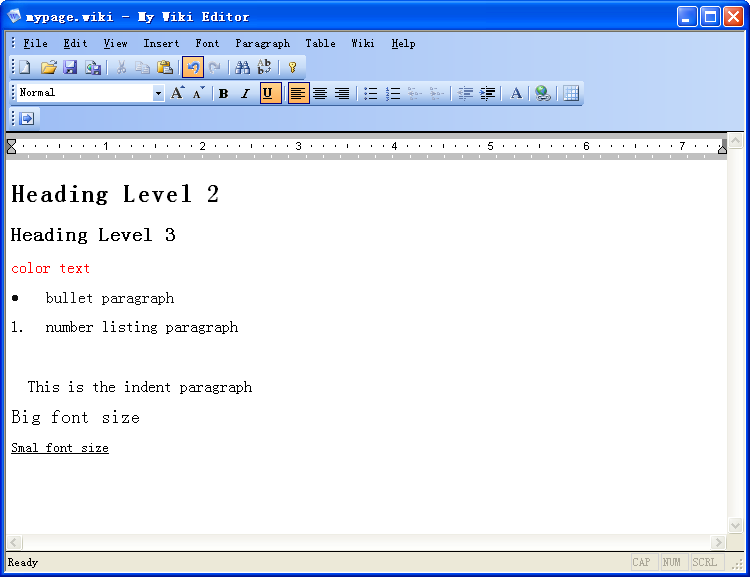
(Click to Enlarge)
By using the editor you don't need to worry about wiki markup syntax, what you need to do is just edit your wiki article like using notepad or office word software. You even can WYSIWYG design your complicated wiki table. Then click "generate wiki code" button, all you get is automatically wiki markup syntax formatted article. Then just copy those wiki code into your online wiki website. Then you get your job done! When you write a wiki article, you have to know the wiki markup syntax. So you can make your article look pretty and clean. And when you write your article on online wiki website, you have to worry about the session of wiki website expired or network problem. You might need to save your online article again and again to avoid lost your job and check if the article look like what you expect to. Now with our WYSIWYG wiki editor, you can just write your article like you are using the notepad or office word software. The software will save the article on your local computer. You don't need to worry about the session of wiki website expired. And our WYSIWYG wiki editor is WYSIWYG. You just write it, then the article will look what you expect to. You don't need to know the annoying wiki markup syntax. Specially, wiki table syntax is very complicated. When you want to try to design a complicated table, it is very hard for you just manually wirte wiki code to get your table you want. But with our software, you can just design your wiki table like you are using MS word software. When you done with your article, you can just click one button to get beautiful wiki syntax formatted article. This is just easy. With our WYSIWYG wiki editor, you can easily to set heading level attribute to paragraph, increase or decrease size of font, color your font, bullet or number listing your paragraph and indent paragraph.
Specifications:
Version: 2.1 |
Download
|

Similar Products:
System Utilities :: Text/Document Editors
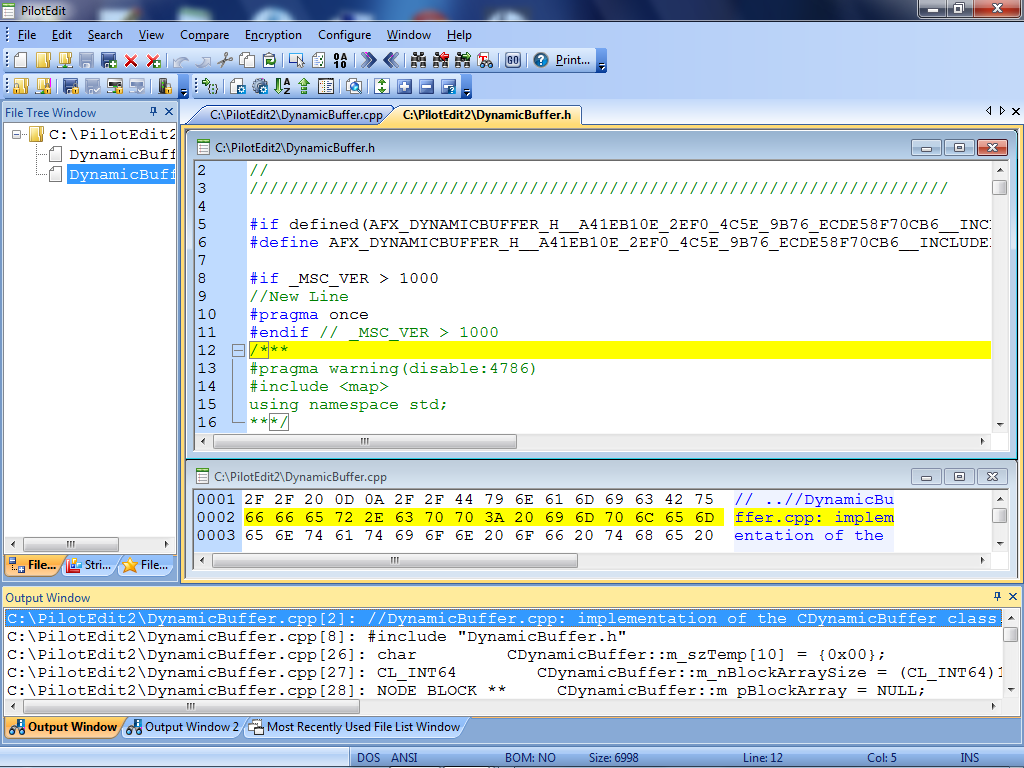 PilotEdit is a powerful file editor capable of editing huge files larger than 400GB (40 billion lines).
Windows | Shareware
Read More
System Utilities :: Text/Document Editors
 DocPad is a free alternative to Notepad. Although it fills the same role, plain text editing, it offers an arsenal of time-saving tools: block indent/unindent, bookmarking, case conversion, customizable toolbar, encoding conversion, file history, jump to line/offset, keyboard macros, print preview, search and replace, skinnable interface, spell checking, statistics, tabbed document interface, and much more.
Windows | Freeware
Read More
SHOVIV LOTUS NOTES TO OFFICE 365 MIGRATION TOOL 22.8
System Utilities :: Text/Document Editors
 Shoviv Lotus Notes to Office 365 Migration tool migrates Lotus Notes files to Office 365 format efficiently in no time. This software can migrate multiple Lotus Notes mailboxes in a single go without restrictions on file size. Due to its user-friendly GUI, users can perform this migration task efficiently. The Features of this include PST split, Filters, Incremental export, Folder mapping, email translation, etc.
Windows | Shareware
Read More
System Utilities :: Text/Document Editors
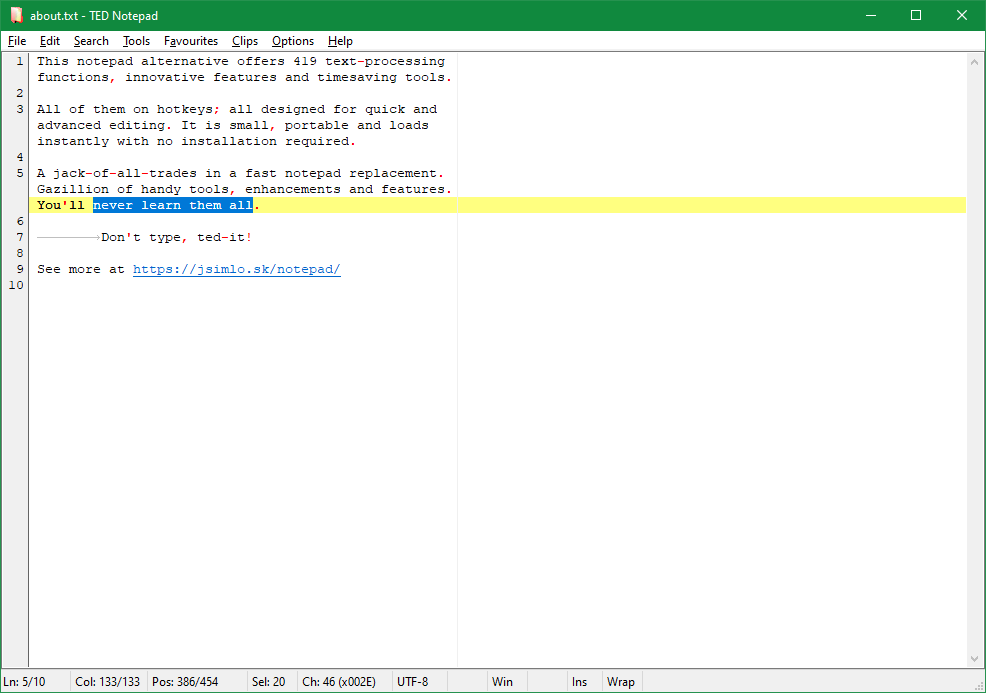 TED Notepad is a freeware notepad replacement. Offers 435 text-processing functions, innovative features and timesaving tools in a simple light-weight interface. All of them on hotkeys; all designed for quick advanced editing. This light-weight portable text editor fits on any USB flash disk and loads instantly with no installation required.
Windows | Freeware
Read More