


N5 Net Software Repository
Your one-stop for all your software needs.
Search N5 Net Software Repository:
Search Files
Sponsor:
Browse:
- Audio & Multimedia (1621)
- Business (4269)
- Communications (1275)
- Desktop (188)
- Development (613)
- Education (177)
- Games & Entertainment (714)
- Graphic Apps (690)
- Home & Hobby (107)
- Network & Internet (577)
- Security & Privacy (529)
- Servers (65)
- System Utilities (11779)
- Web Development (292)
Areas Of Interest
Authors Area
Are you a software author? Take a look at our Author Resource Center where you will find marketing tools, software specifically created for promoting your software and a ton of other helpful resources.
Apeaksoft PPT to Video Converter 1.0.6
Audio & Multimedia :: Rippers & Converters
(Click to Enlarge)
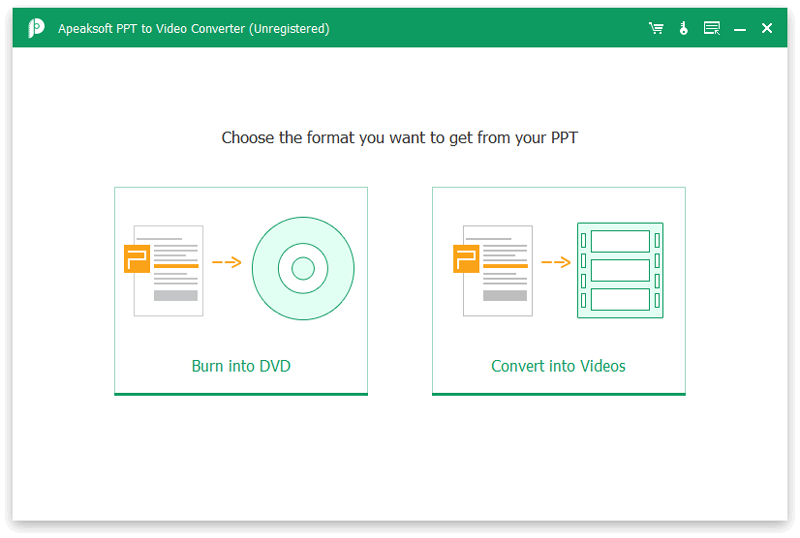
Do you want to convert your PPT files to videos for easy playback? If yes, you could take Apeaksoft PPT to Video Converter into consideration. It is able to convert PPT files to videos or burn PPT files to DVD disc/folder/ISO files. Key functions: 1. Convert PPT files to all kinds of video formats As it is known to us, most video sharing sites does not accept PPT files, so if you want to publish your PPT files, you need to convert them first. Apeaksoft PPT to Video Converter allows you to convert the PPT files to many popular video formats, like MKV, MOV, MPEG-1, VOB MPEG2, etc. You could also convert PPT files to iPhone, iPad, Samsung Galaxy, Motorola, Google, LG, Sony, HTC and so on. In addition, you could adjust the video resolution, video/audio quality for converted videos. 2. Burn PPT files to DVD disc/folder or ISO files Apeaksoft PPT to Video Converter enables you to burn the PPT files to DVD disc, DVD folder or ISO files. You could set DVD chapter, customize the DVD menu or add background music to output files as you like. Before burning, you could preview the DVD menu effects. 3. Choose the converting mode as you like Apeaksoft PP to Video Converter provides two converting modes for you to choose from: Auto Mode and Advanced Mode. Auto Mode could make settings for you automatically and save your time. With Advanced mode, you could customize the DVD chapter but you need play PPT slides manually. 4. Fast converting speed and batch conversion With the advanced GPU acceleration, Apeaksoft PPT to Video Converter provides fast converting speed for users. In addition, you could convert PPT files in batch to save time.
Specifications:
Version: 1.0.6 |
Download
|

Similar Products:
DJVU TO MP3 CONVERTER SOFTWARE 7.0
Audio & Multimedia :: Rippers & Converters
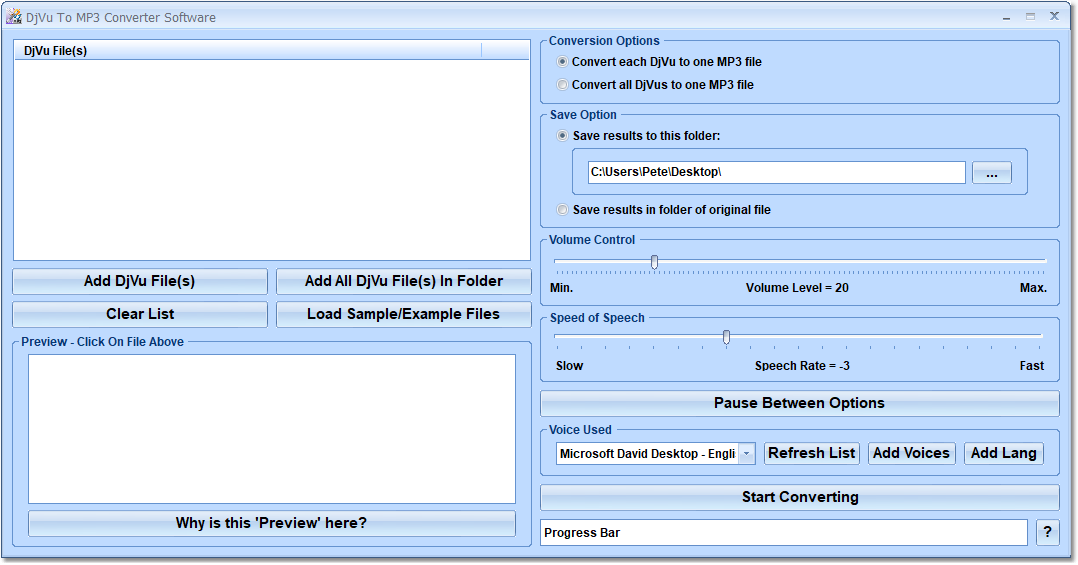 This software offers a solution for users who want to convert multiple DjVu to MP3 files. The user chooses the files or an entire folder to be processed before starting the conversion. Using this time saving software, even large numbers of files can be handled with one click.
Windows | Shareware
Read More
Audio & Multimedia :: Rippers & Converters
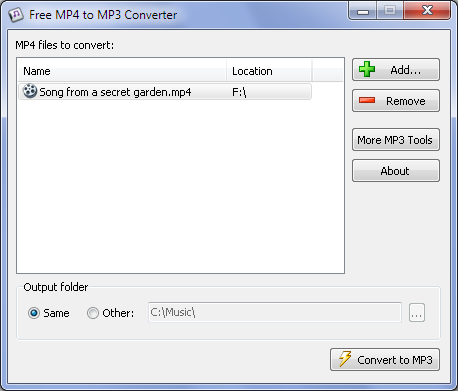 Free MP4 to MP3 Converter offers an easy way to convert all your MP4 and M4A files to MP3 audio. The program works very fast and has a straightforward interface. Just drag-and-drop files into the application and click the Convert button.
Windows | Freeware
Read More
TURBO VIDEO CONVERTER 2.3.4.50
Audio & Multimedia :: Rippers & Converters
 Convert video to 20+ different formats. Split, trim, cut, crop, rotate, mark with text, mark with images, flip and change colors of video. The program is fast for large batches of videos.
Windows | Shareware
Read More
Audio & Multimedia :: Rippers & Converters
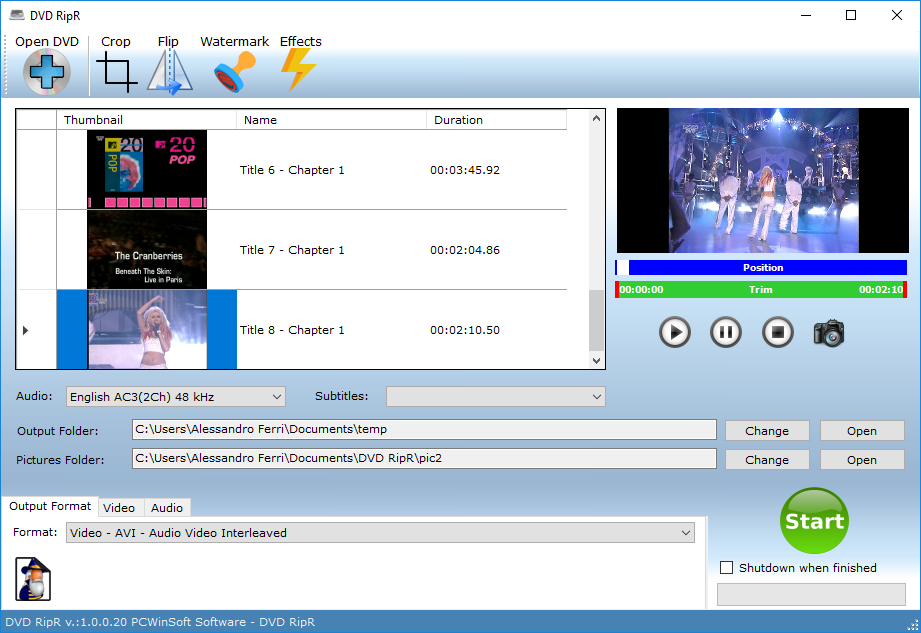 DVD RipR converts DVD tracks to MP4, MPG, MPEG, WMV, AVI, MOV, MP3, OGG, FLAC formats. Supports audio streams and subtitle streams. Supports trimming, cropping, flipping, watermarks, color controls, plus export wizard.
Windows | Shareware
Read More